
Provenance
Here you can document the ownership of a record. You can create several entries to show its history and the different stages of a work.
Click + Add provenance.
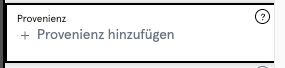
The input form then opens:
Now you can enter the owner.
You can type directly into the Owner field and search for actors. If the person you want to connect hasn't been entered yet, type their name and press Enter.
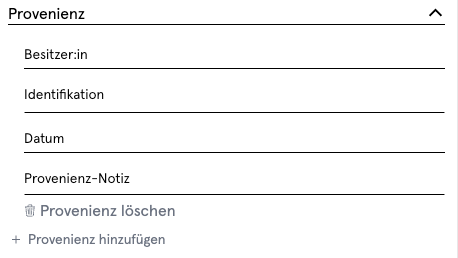
In the Identification field you can, for example, enter the edition number, record the type of change of ownership (gifted, sold, auctioned, …) or describe in detail what belongs to the object (framed, incl. stand, …)
In the Date field you can record the date of the change of ownership, in the format YYYY-MM-DD. More about entering dates: Date.
In the Provenance note field you can enter any further information, such as where the change of ownership took place or special agreements.