Date
Here you can state, for example, when a work was created, an exhibition opened, a publication was released or a person was born. The date field accepts many notations, so you can enter just the year, a detailed date or a time span.
Below the date, this field also lets you add further information. Click Note and enter your information.
When you type into the date field, you see what you typed at the top and how it will be displayed (e.g. in your space) below.
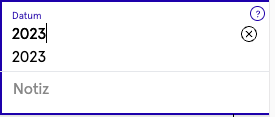
To enter a year, simply type the year into the field.
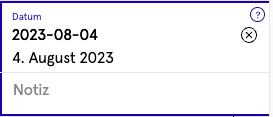
To enter an exact date, type it in the format YYYY-MM-DD. You can also enter just YYYY-MM if you don't want to give an exact day.
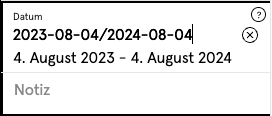
To enter a time span, type the start and end date in the format YYYY-MM-DD/YYYY-MM-DD.
To enter a date and a time, type them in the format YYYY-MM-DDT00:00.
Many other notations are possible: you can enter dates in EDTF format up to level 1. More information: https://www.loc.gov/standards/datetime/
Some notations are shown below:
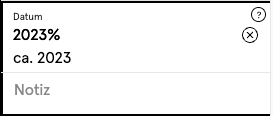
To enter an approximate date, add a % sign after your date.
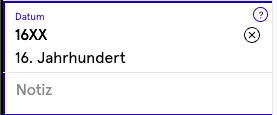
To enter a century, type XX after the number of the century:
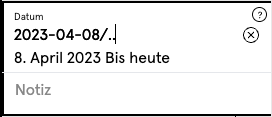
To enter a start date and show the end date as “to present”, type /.. after your start date.
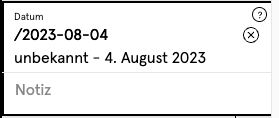
To enter a time span with an unknown start date, type a / before your end date