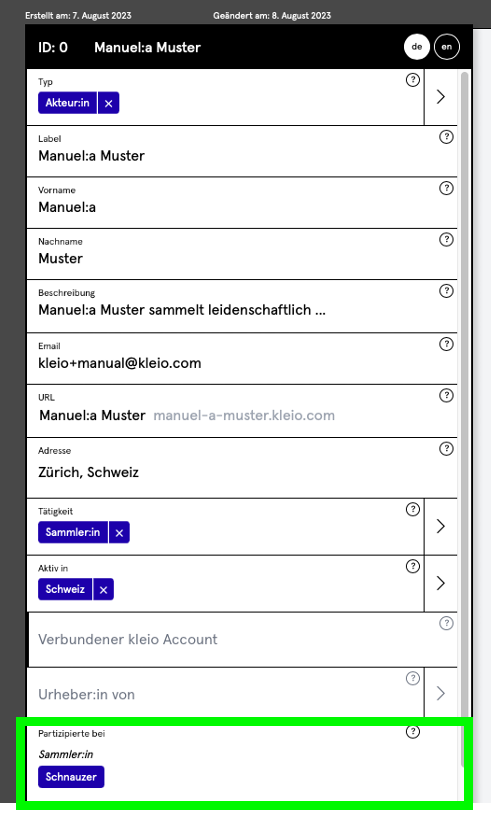
Participants
In this field you can connect all people or institutions involved with the record. Each connection can be given a role, e.g. curator, manufacturer, venue, museum, publisher, dancer, musician, participating artists of an exhibition, etc.
To do this, click the arrow to the right of the field.

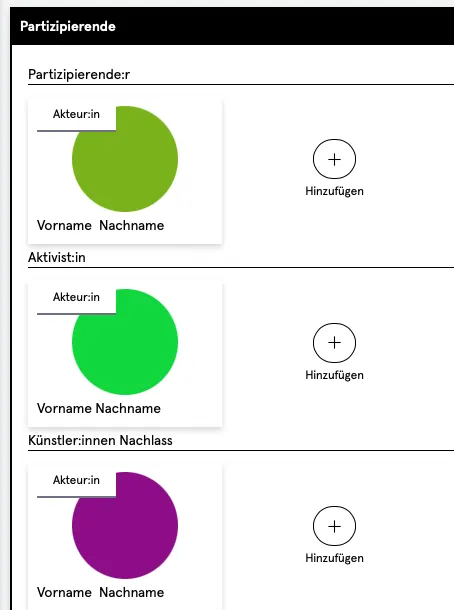
Clicking the plus in the circle takes you to an overview of all your actor records.
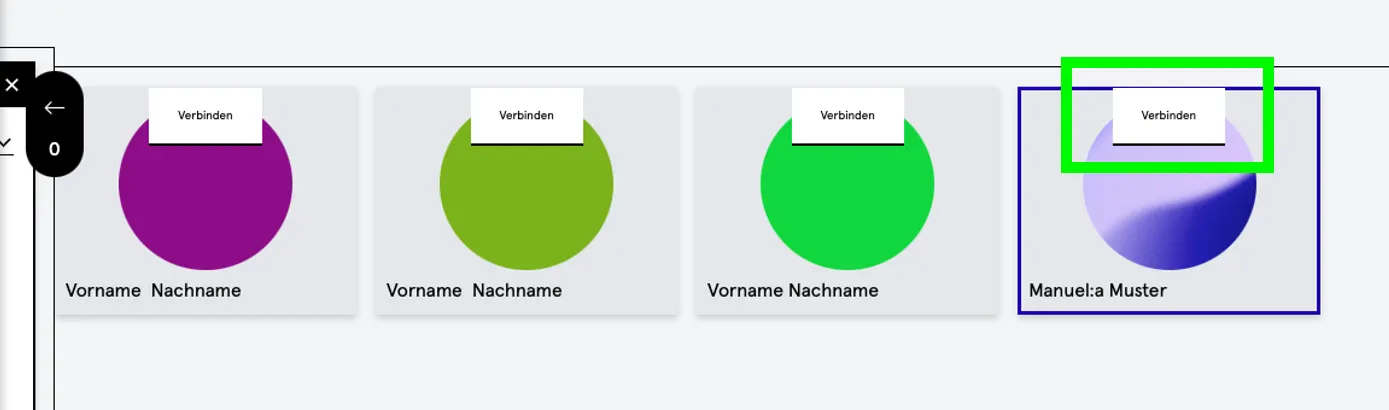
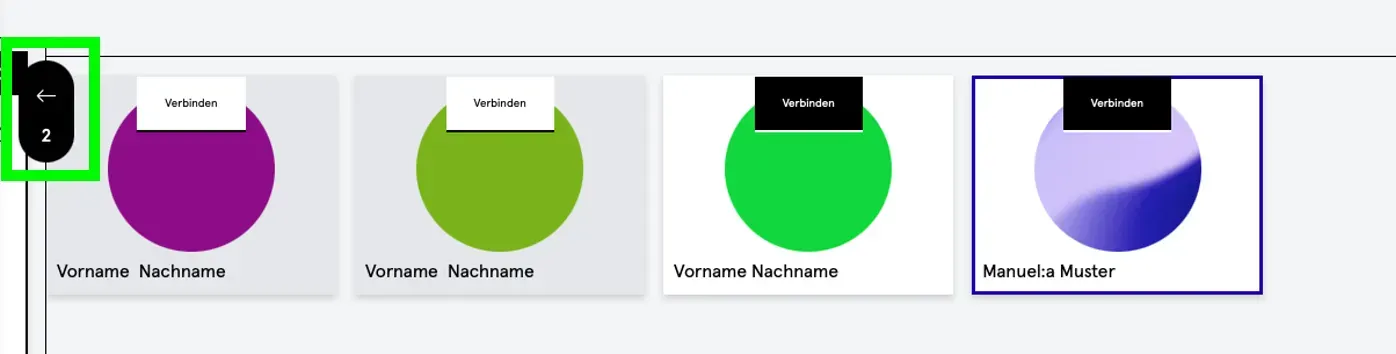
Now choose which of your actors you want to connect to this record. Click the Connect button to connect them. When you have finished choosing, use the black oval button to go back to the main field.
At first, all connected people are given the role “Participants”. To change this, click the Manage participant roles button.

A list of predefined roles appears for you to choose from, or you can enter and create your own roles.
Now drag and drop your connected people onto their roles.
On the left you can see the field content change accordingly.
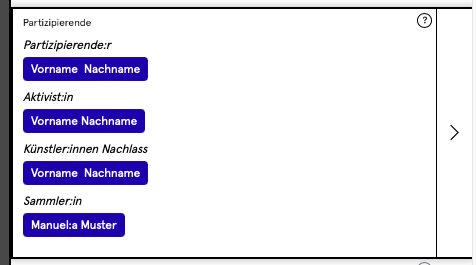
For connected actors, the field Participates in now shows the role you set (in this example Collector) and the name of the record (in this example Schnauzer).