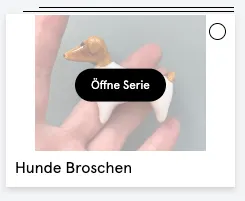
Is part of series
Here you can connect several records into a series. This is recommended if you want to show a series on kleio.
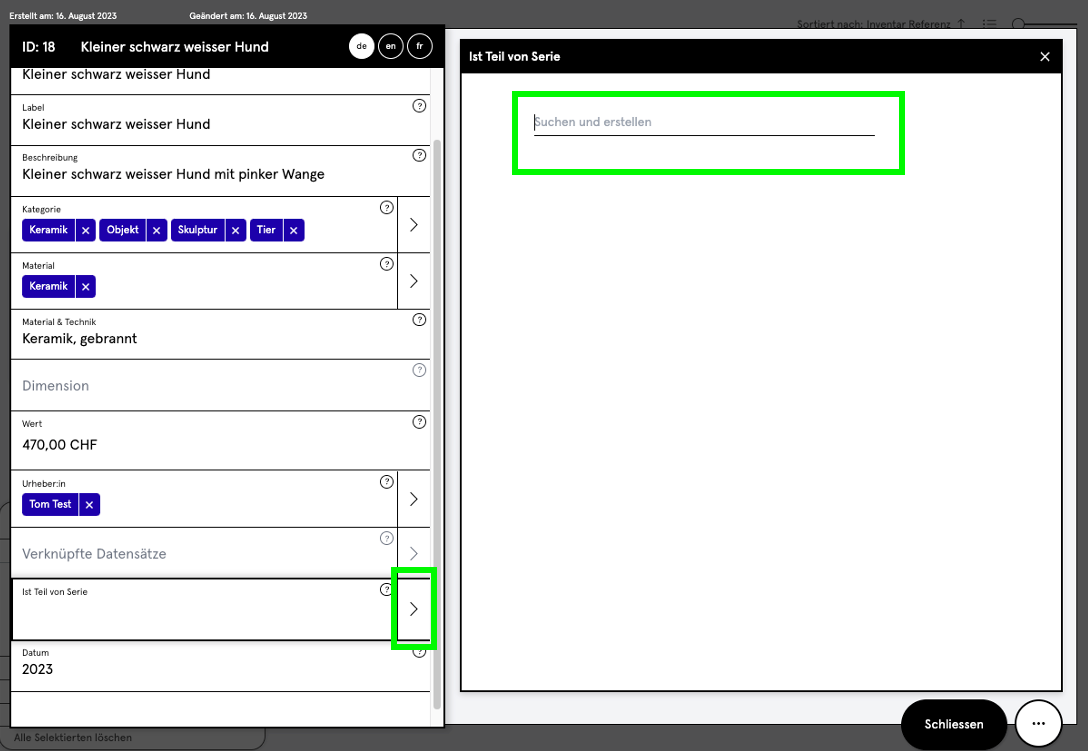
Either type the name of the series into the field and press Enter to save it.

Or click the arrow to the right of the field and type the name on the line on the right.
As soon as you press Enter, your series appears like this:
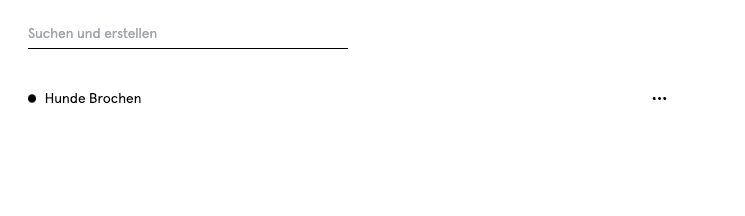
If you already have several series, they all appear here for you to choose from.
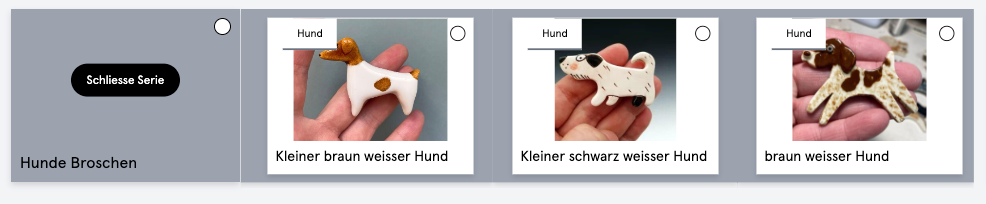
Once you have created your series and added all records, either via the action menu or via the Is part of series field, the display of these records changes automatically:
You now see the name of the series on the left and the individual records that belong to it on the right. Click Close series to collapse the series.
Only one tile is then shown. Click Open series to expand the series again.