Storage folders
When you create a new record, you can upload images and files on the right.
You can upload all image formats, but not all are shown on the web. RAW files, for example, can be stored but not displayed.
You can easily move images between folders with drag and drop:
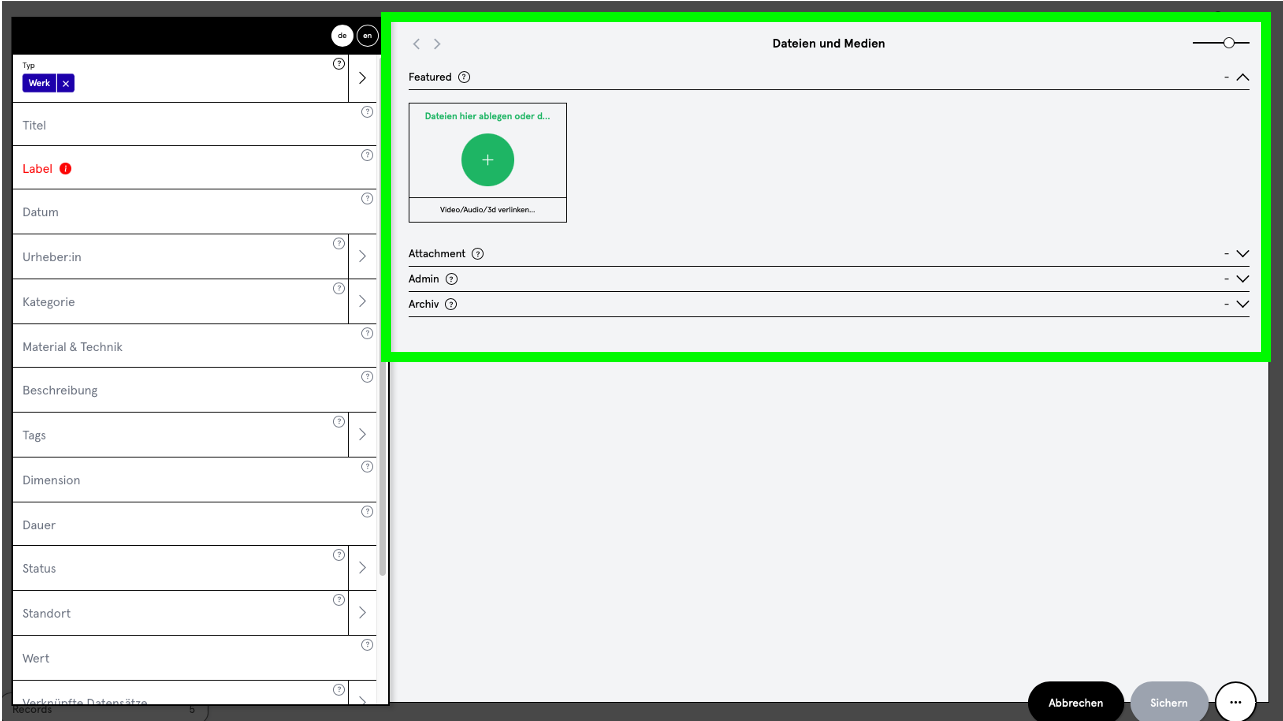
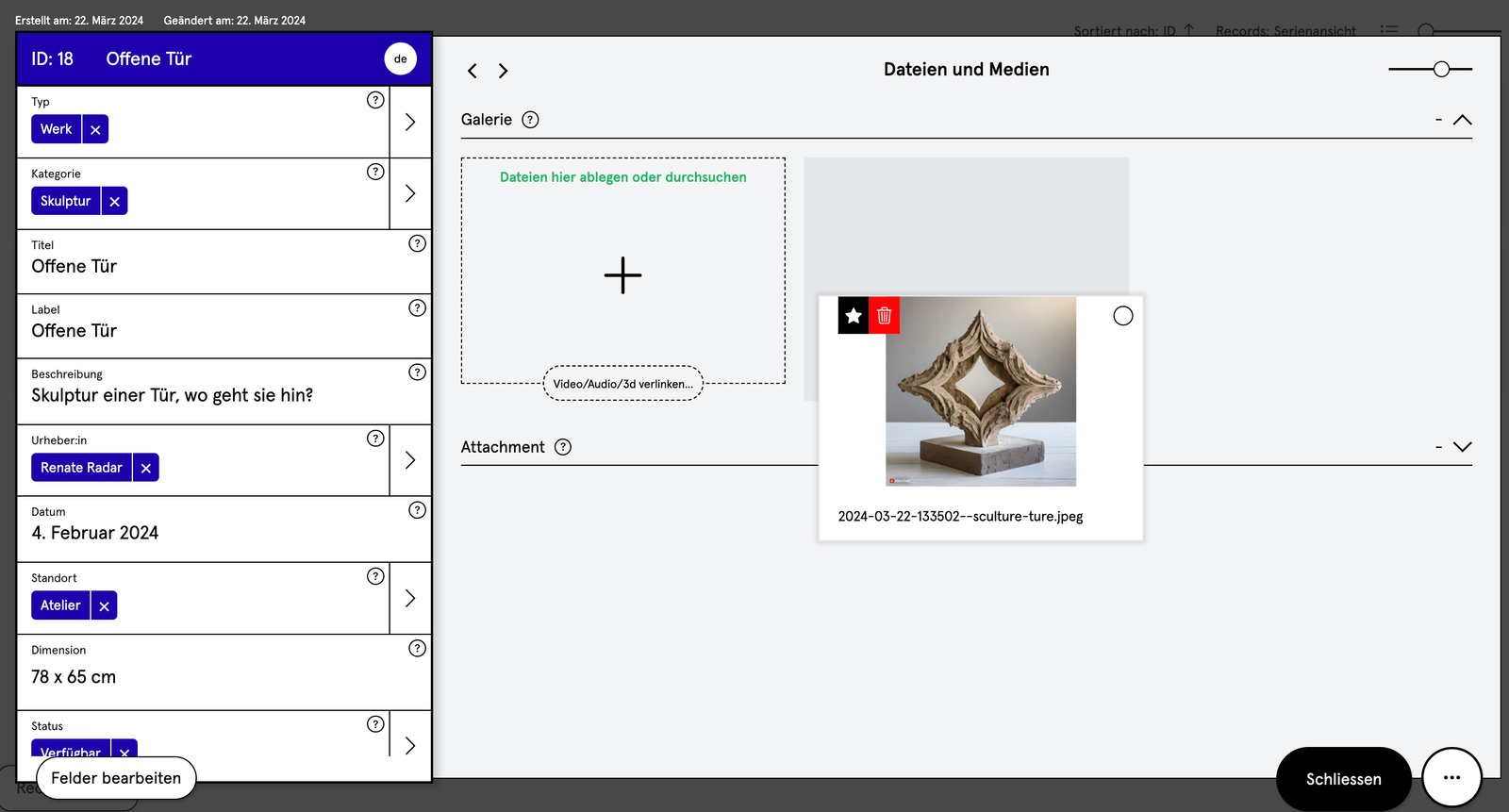
Storage folders and how to use them
On the right you see various folders you can upload your images and files to:
Gallery
For images or files to be shown in exports or on the website, for example pictures of your work or videos of your performance.
Admin
For images and files related to the administration behind your record, e.g. photos documenting the condition of a work, shipping labels, etc.
Process
This folder is not shown by default; you can show it via editing fields .
For images and files of a more documentary nature, e.g. the development stages of your work or behind-the-scenes pictures.
Attachment
For images and files you want to offer visitors to your website for download, e.g. the PDF of an article, a paper written about your work, a flyer for an exhibition, freely available images of the work, etc.
Note that PDFs are only shown on websites if they can also be downloaded.
Archive
For images and files that don't fit any other folder or are no longer current.